viewvhpic
viewvhpic — Lightweight .vhpic Image Viewer


Minimal command-line image viewer for the
.vhpicbinary format — a compact, header-minimal raster format designed for simple raw pixel storage.
Author: V01G04A81 Viktor Glebov
Version: 1.0
Date: 2025–2026
Description
viewvhpic is a lightweight, purpose-built image viewer for the .vhpic binary raster format.
Unlike general-purpose image viewers, viewvhpic targets the .vhpic format directly — no plugin
chains, no dependency on libpng/libjpeg, no unnecessary overhead. It reads the compact binary
header, maps the raw pixel array, and renders the image immediately.
If you are working with .vhpic files and need a fast, no-frills viewer with zoom and BMP export,
this is the native tool for that workflow.
The .vhpic Format
Overview
| Property | Value |
|---|---|
| File extension | .vhpic |
| Header size | 8 bytes (packed struct) |
| Magic bytes | VHPX (4 bytes, offset 0) |
| Pixel format | Raw binary array, 1 byte per pixel |
| Compression | None — raw binary |
| Endianness | Little-endian |
Examples
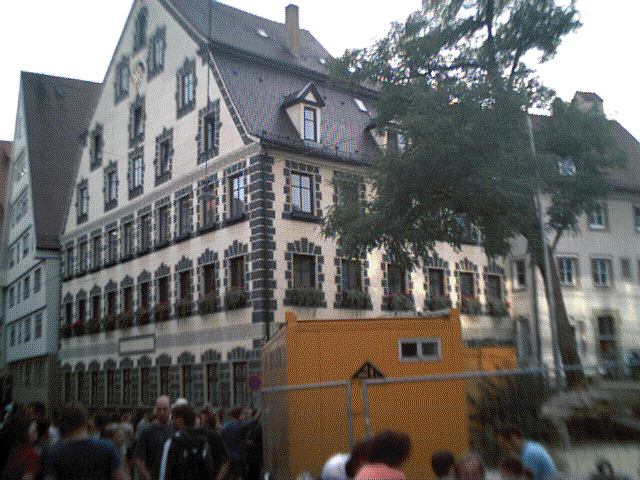 |
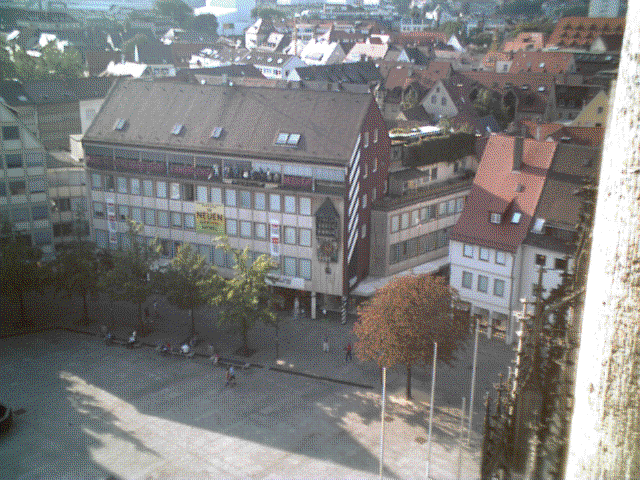 |
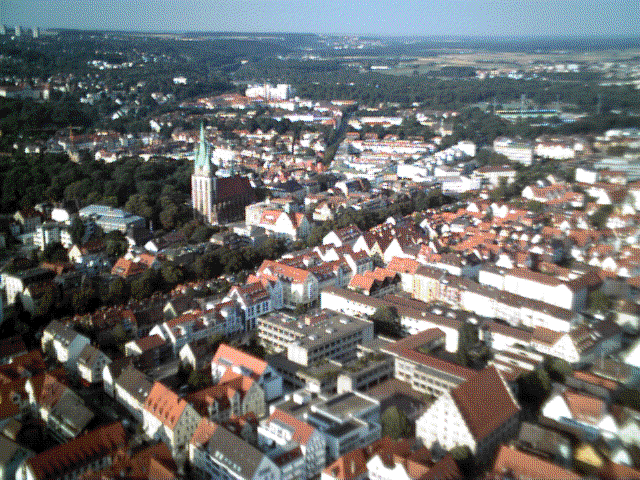 |
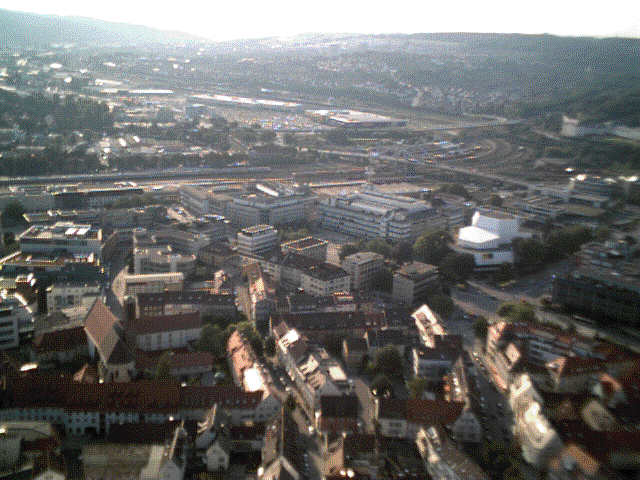 |
File Header
The file begins with a fixed 8-byte packed header:
struct sthdr {
    uint8_t     hdr[4];   /* Magic: 'V','H','P','X'        */
    uint16_t    wdth;     /* Image width  in pixels (LE)   */
    uint16_t    hght;     /* Image height in pixels (LE)   */
} __attribute__((packed));
| Offset | Size | Field | Description |
|---|---|---|---|
| 0x00 | 4 bytes | hdr |
Magic identifier — ASCII VHPX |
| 0x04 | 2 bytes | wdth |
Image width in pixels |
| 0x06 | 2 bytes | hght |
Image height in pixels |
Pixel Data
Immediately following the header is a flat binary array of wdth × hght bytes — one byte per pixel, stored in row-major (left-to-right, top-to-bottom) order.
File layout:

  [ 0x00 .. 0x07 ]  →  struct sthdr  (8 bytes, packed)
  [ 0x08 .. EOF  ]  →  pixel data    (wdth × hght bytes)

Pixel at column x, row y:

  offset = 0x08 + y * wdth + x
Total file size: 8 + wdth × hght bytes.
Usage
Command Line
$ viewvhpic <file.vhpic>
Example:
$ viewvhpic example.vhpic
Opens example.vhpic in the viewer window. The window title displays the filename and image
dimensions (width × height).
Hotkeys
| Key | Action |
|---|---|
+ |
Zoom ×2 (pixel-doubled view) |
- |
Zoom ×1 (1:1 native size) |
F2 |
Save current image as .bmp |
Prerequisites
- C++ compiler with C++17 support (GCC, Clang, MSVC)
- CMake 3.5 or newer
- Qt 5 development libraries (modules: Core, Widgets, Gui)
On Debian/Ubuntu, install the required packages with:
sudo apt install build-essential cmake qtbase5-dev
Build
git clone https://github.com/vigatron/viewvhpic
cd viewvhpic
mkdir build && cd build
cmake ..
cmake --build .
© 2025–2026 V01G04A81